
+92306 3026 466
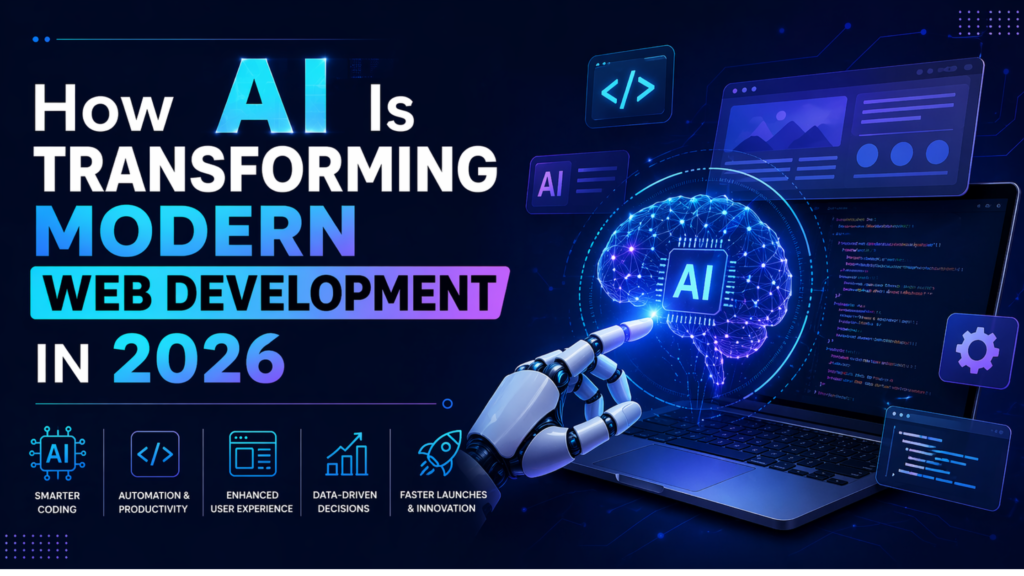
How AI Is Transforming Modern Web Development in 2026
Summarize this post
AI in web development has moved from experimental to essential in 2026. Here’s what you need to know:
1.AI is now mainstream, with 73% of developers using AI tools daily, which increases productivity by 40-50%.
2.AI augments, not replaces, human developers’ focus on strategy, creativity, and business logic while AI handles boilerplate.
3.The hybrid approach wins. The best results combine AI’s speed with human judgment and domain expertise.
4.Real ROI proven Projects complete 35-50% faster with fewer bugs and better test coverage.
5.Security requires human review. AI-generated code is solid but needs expert validation before production.
Table of Contents:
1. The Current State: AI in Web Development Is Now Standard Practice
2. How AI Web Developers Actually Work Today
3. What AI Excels At (And What It Struggles With)
4. Real-World Applications: What’s Actually Working
5. The Tools Professional Developers Actually Use
6. What Human Developers Still Own (And Always Will)
7. Security and Ethics: What You Must Know
8. The Future: Where This Is Heading
9. Final Thoughts: The Real Story
10. Frequently Asked Questions
The Current State: AI in Web Development Is Now Standard Practice
Walk into any modern development team, and you’ll see AI in web development integrated into every stage of the workflow from planning to deployment. This isn’t experimental, it’s mainstream.
The numbers tell the story:
- 73% of professional developers use AI-assisted coding tools daily.
- Development time has decreased by 35-50% for standard web applications.
- Bug detection rates improved 60% through AI-powered analysis.
- Test coverage increased from a typical 70% to 90%+ with AI-generated tests.
But here’s what matters more than statistics: AI hasn’t replaced developers. Instead, it’s made skilled developers significantly more powerful.
In our experience building production applications, AI handles boilerplate, generates tests, and catches bugs we’d otherwise miss. But every line of AI-generated code still gets human review. Why? Because AI is brilliant at patterns it’s seen before and potentially dangerous with anything truly unique to your business.
How AI Web Developers Actually Work Today?
Let’s walk through a real project to show how AI website development works in practice.
Morning: Project Planning
A client needs an e-commerce platform for sustainable fashion. In 2023, this meant days of requirements gathering and wireframe sketching.
In 2026, we start with a conversation with an AI assistant:
“E-commerce platform for sustainable fashion. Target: environmentally conscious millennials. Features: carbon footprint calculator, virtual try-on, subscription rentals. Need: performance, SEO, security.”
Within 15 minutes, the AI generates:
- Complete system architecture
- Database schema with relationships
- Technology stack recommendation (with trade-offs explained)Initial wireframes for core flows
- Security and compliance checklist
Our role as developers: Review, refine, validate. The AI knows patterns from millions of projects. We know this specific client’s unique context and constraints.
Midday: Active Development
I describe what I need: “Product catalog with size/color variants, inventory tracking, Shopify API integration for fulfillment.”
The AI web developer assistant generates:
- Complete TypeScript model with proper typing
- CRUD API endpoints with authentication
- Comprehensive unit tests
- Database migrations
- API documentation
What we do: Review for edge cases, optimize queries for expected load, add custom business logic (the carbon calculator), and integrate with the client’s existing systems.
The AI handled maybe 60% of the work. We handled the 40% that makes this project unique.
Afternoon: Debugging
A checkout bug appears under load. Instead of hours of manual debugging, we paste the error into our AI debugging assistant.
It analyzes the codebase, identifies a race condition in the payment processing, suggests three solutions with performance trade-offs, and explains why the bug happens.
We choose the solution that fits our architecture, implement it with project-specific considerations, and add tests so it never recurs.
The pattern is clear: AI handles predictable tasks. Humans handle unique decisions.
KEY INSIGHT: AI web developers don’t write less code; they write more valuable code. Grunt work is automated; creative work is amplified.
What AI Excels At (And What It Struggles With)?
After two years of daily use at CodeFyze, we’ve learned exactly where AI in web development delivers real value and where it still falls short.
Where AI Shines?
1. Code Generation:
Boilerplate components
API endpoints (REST / GraphQL)
Database models with relationships
2. Testing & Quality:
Automated test generation
Performance testing under load
Real-time security scanning
3. Optimization:
Image compression & lazy loading
Code splitting for faster page loads
Performance monitoring
Where AI Struggles?
1. Complex Business Logic:
Unique workflows and proprietary algorithms still require deep human expertise.
2. Strategic Decisions:
AI cannot decide what to build or why; that requires business judgment.
3. System Integration:
Multiple legacy systems with undocumented behavior need experienced developers.
Key Takeaway:
AI excels at speed, consistency, and pattern-based tasks, while human developers handle strategy, creativity, and complex decision-making. The most successful web projects use a hybrid AI + human approach.
Real-World Applications: What’s Actually Working
Here’s what AI and web development look like in production at companies we’ve worked with:
1. E-Commerce Success Story:
Challenge: The Mid-size fashion retailer is losing customers to competitors with better personalization.
AI Implementation:
1. Product recommendations analyzing browsing patterns, weather, and local events.
2. Dynamic pricing displays (payment plans vs bulk discounts vs limited offers).
3. Visual search (upload outfit photos, find similar items).
4. Size recommendations reduce returns by 23%.
Results:
Conversion rate: +34%
Return rate: -23%
Average order value: +18%
Development time: 10 weeks (vs. estimated 6 months traditional)
2. Healthcare Patient Portal:
Challenge: The Regional hospital network needed HIPAA-compliant modernization.
AI Implementation:
1. Compliance automation continuously scans for violations.
2. Medical record translation from technical jargon to patient-friendly language.
3. Smart appointment optimization.
4. Chatbot triage for common questions.
Results:
Patient portal adoption: 22% → 67%
Support calls: -41%
HIPAA compliance audit: Zero issues
Key learning: Medical professionals still defined information architecture; AI handled implementation and compliance checking.
3. SaaS Documentation Platform:
Challenge: The developer tools company struggled with documentation being too basic or too technical.
AI Implementation:
1. Adaptive documentation adjusting to the user experience level
2. Interactive code examples in the user’s preferred language
3. Contextual search understanding intent, not just keywords
4. Automated updates when APIs change
Results:
Developer time-to-first-success: -54%
Documentation support tickets: -68%
NPS score: +23 points
The common thread: AI handles volume and consistency. Humans provide domain expertise. Hybrid approaches win.
The Tools Professional Developers Actually Use:
The artificial intelligence web development ecosystem has matured. Here’s what’s worth using in 2026:
1. Code Assistants (Choose One)
GitHub Copilot: Best for daily coding across languages.
Cursor: Best for large refactoring projects.
Claude Code: Best for complex multi-step tasks with terminal access.
Our choice: GitHub Copilot for daily work, Cursor for major refactors.
2. No-Code/Low-Code (For Rapid Prototyping)
Vercel v0: React component generation
Bolt.new: Full-stack app generation
Webflow AI: Marketing sites and landing pages
3. Testing & Security:
Mabl: Self-healing UI tests
Snyk Code: Real-time security scanning
Testim: End-to-end test automation
4. Cost vs Value:
Average investment: $50-150/developer/month
Productivity gain: 40-50%
ROI timeline: Positive within 2-4 weeks
AI hasn’t replaced web developers; it has made skilled developers significantly more powerful by removing repetitive work and amplifying human decision-making.
What Human Developers Still Own (And Always Will)?
Despite AI advances, certain aspects remain fundamentally human:
1. Strategic Thinking: AI can optimize for stated goals. It can’t question whether those goals are right. We’ve talked clients out of building complex features they thought they needed, saving them thousands because we understood their users’ actual needs.
2. Empathy and User Understanding: AI checks WCAG compliance. Humans understand what it feels like to navigate a site with a screen reader while frustrated and trying to complete an urgent task.
3. Creative Problem Solving: AI approach to slow checkout: optimize code, add caching. Human insight: “Why show a checkout page at all? Can we build a one-click purchase?” This lateral thinking reframing problems entirely remains distinctly human.
4. Ethical Judgment:
1. Should we implement this engagement feature that might be manipulative?
2. How much user data should we collect?
3. How do we balance revenue optimization with user well-being?
These aren’t technical questions. They’re moral questions requiring human judgment.
5. Communication: Explaining technical constraints to non-technical stakeholders, managing client expectations, mentoring junior developers, and navigating organizational politics. AI can draft messages but can’t read the room.
KEY INSIGHT: The future isn’t AI vs human developers. It’s AI-augmented developers combining AI’s speed and pattern recognition with human creativity, judgment, and empathy.
Security and Ethics: What You Must Know
1. Security Considerations:
AI-generated code is generally secure when properly reviewed by experienced developers.
At CodeFyze, we’ve seen AI reduce common vulnerabilities because it:
- Consistently applies standard security patterns.
- Flags issues early through automated scanning.
- Frees reviewers to focus on business logic instead of boilerplate
However, AI can still suggest:
- Outdated security patterns from historical training data
- Weak authentication methods that were once common
- Overly permissive CORS policies
- SQL queries without proper parameterization
In practice, a secure AI-assisted workflow includes:
- Automated security scanning (Snyk, SonarQube)
- Human security review by senior developers
- Penetration testing before production
- Continuous monitoring post-deployment
2.Privacy Implications:
When using cloud-based AI tools, your code goes to external servers. For sensitive projects:
- Use on-premise AI models.
- Implement code sanitization before AI analysis.
- Review AI service terms regarding code retention.
- Consider which tools for which security tiers.
3. Ethical Concerns:
1. Bias: AI trained on historical data may perpetuate biases in recommendations, search results, or personalization. Mitigation: diverse testing panels, regular bias audits, and user controls.
2. Transparency: Users should know when AI powers feature that affect them, especially for consequential decisions.
3. Environmental Impact: Training large AI models consumes significant energy. Use efficient models appropriate to the task.
4. Job Displacement: At CodeFyze, we use AI to make developers more productive, not to reduce headcount. Junior developers work on increasingly complex problems with AI handling boilerplate, accelerating their learning.
The Future: Where This Is Heading
Based on current trajectories and what we’re seeing:
2027-2028 Predictions:
1. Autonomous dev agents become mainstream: Today’s AI assists. Tomorrow’s AI completes entire features autonomously, implementation, test, and documentation with human approval.
2. Voice-driven development becomes viable: “Add a pulsing loading state to the submit button and disable the form while processing,” and watch it happen.
3. Shift from code review to goal review: Instead of reviewing code line-by-line, developers review whether it achieves intended goals and handles your specific edge cases.
Skills That Will Matter:
As AI handles more implementations:
1. Systems Thinking: Understanding how complex applications fit together.
2. Product Sense: Knowing what to build and why
3. AI Collaboration: Writing effective prompts, evaluating outputs critically
4. Domain Expertise: Deep industry knowledge (healthcare, finance, logistics)
5. Communication: Explaining technical decisions, building consensus, mentoring
What Won’t Change?
1. Users still need to trust your application.
2. Performance still matters
3. Security can’t be an afterthought.
4. Accessibility is required, not optional.
5. Someone needs to understand how the system works.
6. Business problems require business understanding, not just technical solutions.
Final Thoughts: The Real Story of AI in Web Development
After two years of daily AI usage in professional web development, here’s what’s clear:
- AI hasn’t replaced developers; it made them more powerful. Development teams build better applications, faster, because AI handles boilerplate while humans focus on strategy, UX, and unique business logic.
- AI isn’t magic; it’s a tool that amplifies judgment. Good judgment + AI = exceptional results. Poor judgment + AI = well-implemented wrong solutions.
- The future is hybrid: Algorithm efficiency + human wisdom. Automated testing + strategic vision. AI precision + empathetic design.
Web development using AI in 2026 is more accessible, faster, and capable than ever. But it still requires:
- Strategic thinking to build the right thing.
- Design sensibility to make it delightful.
- Technical expertise to ensure it’s secure and scalable.
- Business understanding to drive actual value.
- Human judgment for the thousand decisions code doesn’t capture.
This is the future of web development: not just faster execution, but better outcomes enhanced by AI.
What CodeFyze Offers:
We combine cutting-edge AI tools with deep human expertise:
1. 40-50% faster development without sacrificing quality.
2. Strategic guidance on product, UX, and technology.
3. Human-reviewed AI code with comprehensive testing.
4. Long-term partnership with post-launch support.
5. Transparent process, you’ll always know what’s AI vs human.
We don’t just use AI because it’s trendy. We use it because, when combined with human expertise, it delivers better results for our clients.
Ready to explore how AI can transform your web project?
Contact CodeFyze for a free strategy consultation. We’ll discuss your goals honestly, not just pitch you on AI, but help you understand whether (and how much) AI-accelerated development makes sense for your specific project.
On this page
Related Topics
< FAQS >
No Confusion. Just Clarity.
Get quick, clear answers to everything you need to know about working with us.
- Will AI replace web developers?
No. AI enhances developer productivity but does not replace human expertise. Developers who use AI effectively are more in demand in 2026.
- How much does AI-powered web development cost?
AI-powered web development improves speed and quality rather than reducing cost. Projects are typically delivered 40–50% faster with fewer bugs.
- Is AI-generated code secure?
Yes, when reviewed by experienced developers. Professional teams combine AI with manual code reviews and automated security testing.
- Can AI build a complete website?
AI can build simple websites. Medium and complex web applications still require human developers for architecture, security, and custom logic.
- Which industries benefit most from AI in web development?
E-commerce, healthcare, SaaS, media, and finance benefit the most due to automation, personalization, and faster development.

Related Blog Posts

Questions? Reach us on Whatsapp +971 55 265 4401 Or Email info@codefyze.com
Questions? Reach us on Whatsapp +44 798 504 1813 Or Email info@codefyze.com
< recent blogs >
Latest Insights & Articles
Explore our latest articles, tips, and insights all in one place.
#BacklinkAnalysis, #CodeFyze, #CompetitorSEO, #DigitalMarketing, #LinkBuilding, #OffPageSEO, #SemrushSEO, #SEOStrategy, #SEOTools
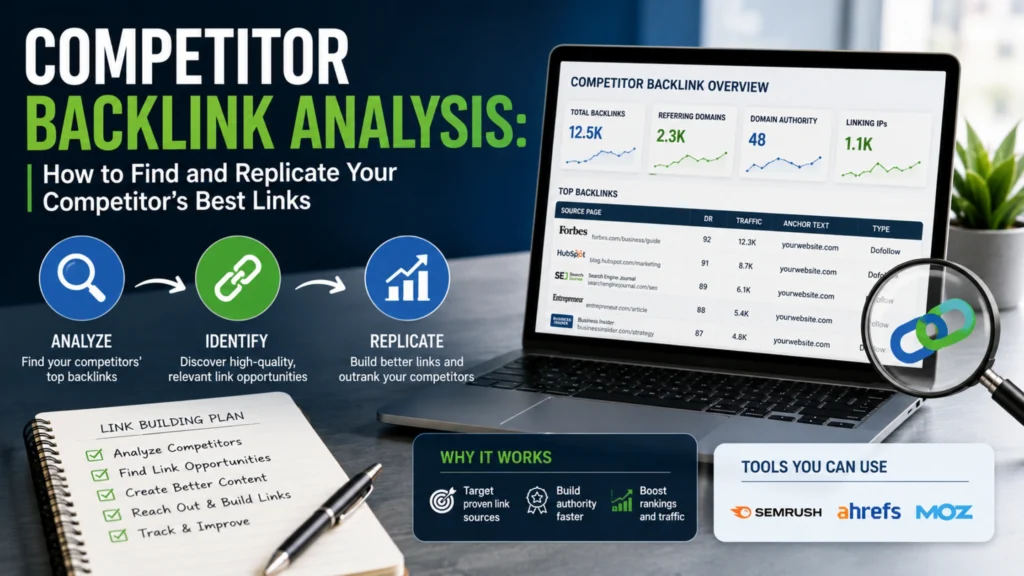
Competitor Backlink Analysis: How to Find and Replicate Your Competitor’s Best Links
Competitor backlink analysis is the process of studying where your competitors get their backlinks from…

CodeFyze
July 30, 2026
#BacklinkBuilding, #CitationBuilding, #CodeFyze, #DigitalMarketing, #GoogleBusinessProfile, #LocalSEO, #NAPCitations, #SEOStrategy
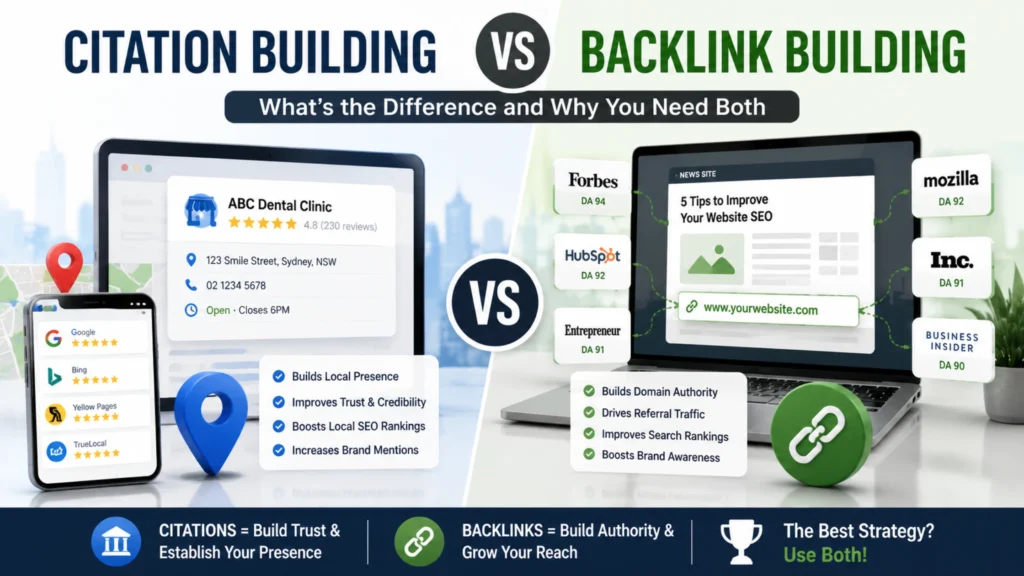
Citation Building vs Backlink Building: What’s the Difference and Why You Need Both
Citation building involves listing your business’s name, address, and phone number (NAP) consistently across online…
CodeFyze
July 29, 2026

#BacklinkStrategy, #CodeFyze, #ContentMarketing, #DigitalPR, #EEAT, #HARO, #JournalistOutreach, #LinkBuilding
HARO/Journalist Outreach: Getting Backlinks from News and Media Sites
HARO link building is the process of earning high-authority backlinks by responding to journalist queries…
CodeFyze
July 29, 2026