
+92306 3026 466
Best WordPress Page Builders in 2026: Bricks vs Elementor vs Gutenberg

Summarize this post
The best WordPress page builder in 2026 depends on your goal. Bricks Builder wins for developers and performance-focused sites. Elementor is ideal for beginners and agencies needing speed and a massive template library. Gutenberg is the best free option built right into WordPress. Keep reading for the full breakdown.
Why Choosing the Right Page Builder Matters
Your WordPress page builder is the backbone of your entire website. It shapes how fast your pages load, how easy they are to edit, and ultimately how well they rank on Google.
In 2026, the debate narrowed to three serious contenders: Bricks Builder, Elementor, and Gutenberg (the Block Editor). Whether you’re building a landing page, a full business site, or a portfolio, one of these will fit your needs, but they’re built for different types of users.
At CodeFyze, we build WordPress websites for clients every day, and this guide reflects what we’ve learned from real-world projects, not just spec sheets.
What Is a WordPress Page Builder?
A WordPress page builder is a visual editing tool that lets you design web pages by dragging and dropping elements, without writing code. The best WordPress drag and drop builder replaces the need to hire a developer for every small layout change.
Modern WordPress website builders have evolved far beyond simple drag-and-drop. They now handle:
- Full theme building (headers, footers, archive pages)
- Responsive design controls for mobile and tablet
- Dynamic data from custom fields and databases
- Performance optimization like lazy loading and lightweight output
The 3 Best WordPress Page Builders in 2026
1. Bricks Builder — Best for Developers & Performance
Best for: Developers, agencies, and anyone serious about page speed.
Bricks Builder has exploded in popularity over the last two years, and for good reason. It’s a theme builder for WordPress that generates clean, semantic HTML without bloated wrapper divs that slow sites down.
What makes Bricks stand out:
- True theme builder design headers, footers, single post templates, WooCommerce pages, all from one interface
- Class-based styling works like writing CSS, giving developers fine-grained control
- Lightweight output sites built with Bricks consistently score higher on Core Web Vitals
- Query loops display dynamic content from any post type without plugins
- One-time pricing pay once, use on unlimited sites
Who should use Bricks? If you’re a developer, a WordPress agency, or a freelancer building client sites at scale, Bricks is the best builder for WordPress in 2026. It has a steeper learning curve than Elementor, but the payoff in site speed and code quality is significant.
Pricing: Starts at ~$79/year (or lifetime deals available)
2. Elementor — Best for Beginners & Agencies
Best for: Non-developers, marketing teams, and agencies that need to move fast.
Elementor is still the most widely used WordPress drag and drop website builder on the planet, powering millions of sites. There’s a reason that its ease of use is unmatched.
What makes Elementor stand out:
- Massive template library hundreds of pre-built page templates and kits
- Beginner-friendly interface real-time visual editing with zero learning curve
- Elementor AI built-in AI writing and image tools
- WooCommerce builder full control over shop, product, and cart pages
- Huge ecosystem thousands of free Elementor themes and third-party addons
Free vs Pro: Elementor’s free version is genuinely useful more so than most competitors. It gives you the core drag-and-drop editor with basic widgets. Elementor Pro unlocks the full theme builder, form builder, popup builder, and advanced widgets.
If you’re looking for the best free WordPress website builder, Elementor Free is one of the strongest options available. Many of the best Elementor websites you see online are actually built using a combination of free and pro features.
Who should use Elementor? If you’re new to WordPress, running a small business, or managing a team of non-technical editors, Elementor is the right call. The best theme for Elementor setups is usually Hello Elementor (the official lightweight theme), paired with a good template kit.
Pricing: Free version available. Pro starts at ~$59/year for 1 site.
3. Gutenberg (Block Editor) — Best Free Built-In Option
Best for: Content-focused sites, bloggers, and users who want zero plugin overhead.
Gutenberg is WordPress’s native block editor, built directly into the core software. In 2026, it has matured significantly, it’s now a genuine best one page website builder option for simpler projects.
What makes Gutenberg stand out:
- Zero cost completely free, no upsells, no annual subscription
- Native performance no extra plugin loading, fastest possible output
- Full Site Editing (FSE) with block themes, you can now edit headers, footers, and templates
- No lock-in your content stays portable if you ever switch themes or builders
The honest truth about Gutenberg: Gutenberg is powerful for writing-heavy sites and blogs, but its Full Site Editing experience still lags behind Bricks and Elementor for complex layouts. If you need advanced landing pages, popup builders, or WooCommerce design control, you’ll hit limitations faster.
That said, for a best free WordPress website builder that requires no plugins, nothing beats Gutenberg.
Pricing: Free (included with every WordPress installation)
Side-by-Side Comparison: Bricks vs Elementor vs Gutenberg
Feature |
Bricks Builder |
Elementor |
Gutenberg |
| Price | ~$79/year | Free / ~$59+ Pro | Free |
| Ease of Use | Intermediate | Beginner | Beginner-Intermediate |
| Theme Builder | Full | Full (Pro) | FSE (Limited) |
| Page Speed | Excellent (5/5) | Good (3/5) | Excellent (5/5) |
| Template Library | Growing | Massive | Moderate |
| WooCommerce | Full Support | Pro only | Limited |
| Learning Curve | Moderate-High | Low | Low-Moderate |
| Code Quality | Excellent | Good | Excellent |
| Best For | Developers | Beginners/Agencies | Bloggers/Simple Sites |
Which WordPress Page Builder Should You Choose?
Here’s how to decide in 60 seconds:
Choose Bricks Builder if:
- Site speed and Core Web Vitals are a priority
- You’re a developer or comfortable with CSS concepts
- You build multiple client sites and want a one-time investment
Choose Elementor if:
- You’re new to WordPress and want results fast
- You need a large template library and ecosystem of addons
- Your team includes non-technical editors
- You’re looking for the best WordPress site builder with free Elementor themes to get started quickly
Choose Gutenberg if:
- You’re building a blog or content-heavy site
- You want zero extra plugins and maximum speed
- Budget is a concern and you need a 100% free solution
At CodeFyze, we typically recommend Bricks for performance-critical business sites and Elementor for marketing and e-commerce projects where design velocity matters more than raw page speed.
Tips for Getting the Most Out of Any WordPress Page Builder
Regardless of which tool you choose, these practices will make your site faster, more maintainable, and better ranked:
- Use a lightweight base theme: Hello Elementor for Elementor users, GeneratePress for Gutenberg, and Bricks itself acts as a theme.
- Limit third-party addons: Every addon plugin adds loading time. Only install what you actually use.
- Optimize images: Use WebP format and lazy loading. This alone can significantly improve Core Web Vitals.
- Test on mobile first: Over 60% of web traffic is mobile. Design for small screens first.
- Keep plugin count low: A well-built page builder site doesn’t need 30 plugins. Fewer is faster.
Final Verdict
There is no single “best” answer, but here’s the short version:
- Bricks Builder = Best for performance and developer control
- Elementor = Best for ease of use and ecosystem size
- Gutenberg = Best free option with no plugins required
If you’re still unsure which tool fits your project, CodeFyze offers WordPress development and consulting services, we can help you pick the right stack and build it properly from the start.
This guide was written by the team at CodeFyze, a WordPress development agency helping businesses build fast, scalable, and SEO-ready websites.
On this page
Related Topics
< FAQS >
No Confusion. Just Clarity.
Get quick, clear answers to everything you need to know about working with us.
- Q: What is the best WordPress page builder in 2026?
Website pricing in the UK depends on design complexity, features, SEO requirements, and custom functionality. Professional business websites generally cost more than basic portfolio websites.
- Q: Is Elementor still worth using in 2026?
Yes, Elementor is still worth using in 2026 because it offers an easy drag-and-drop builder, a large template library, and strong customization options for WordPress websites.
- Q: Is Gutenberg a real page builder?
Yes, Gutenberg is a real WordPress page builder with block-based editing and Full Site Editing features. It works well for blogs, business websites, and lightweight WordPress projects.
- Q: Can I use Elementor for free?
Yes, Elementor offers a free version with core drag-and-drop features. Elementor Pro adds advanced tools like Theme Builder, WooCommerce Builder, and premium widgets.
- Q: What is the fastest WordPress page builder?
Bricks Builder and Gutenberg are considered the fastest WordPress page builders because they generate cleaner code and improve website performance and Core Web Vitals.
- Q: What's the best page builder for a WordPress landing page?
Elementor Pro is one of the best landing page builders for WordPress due to its templates, forms, and marketing features. Bricks Builder is better for high-performance landing pages.
- Q: Which page builder is best for WooCommerce?
Elementor Pro and Bricks Builder are both strong WooCommerce page builders. Elementor offers easier customization, while Bricks focuses more on speed and clean performance.
- Q: Do I need a page builder for WordPress?
No, you do not always need a page builder for WordPress. Gutenberg is built into WordPress and handles basic website design, while page builders are useful for advanced layouts and customization.

Related Blog Posts
Questions? Reach us on Whatsapp +971 55 265 4401 Or Email info@codefyze.com
Questions? Reach us on Whatsapp +44 798 504 1813 Or Email info@codefyze.com
< recent blogs >
Latest Insights & Articles
Explore our latest articles, tips, and insights all in one place.
#BacklinkAnalysis, #CodeFyze, #CompetitorSEO, #DigitalMarketing, #LinkBuilding, #OffPageSEO, #SemrushSEO, #SEOStrategy, #SEOTools
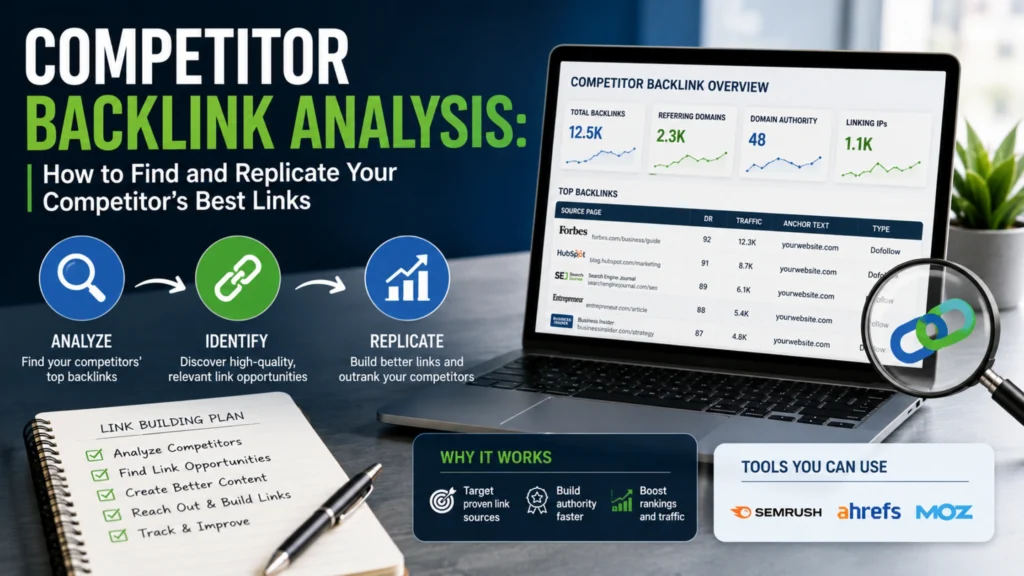
Competitor Backlink Analysis: How to Find and Replicate Your Competitor’s Best Links
Competitor backlink analysis is the process of studying where your competitors get their backlinks from…

CodeFyze
July 30, 2026
#BacklinkBuilding, #CitationBuilding, #CodeFyze, #DigitalMarketing, #GoogleBusinessProfile, #LocalSEO, #NAPCitations, #SEOStrategy
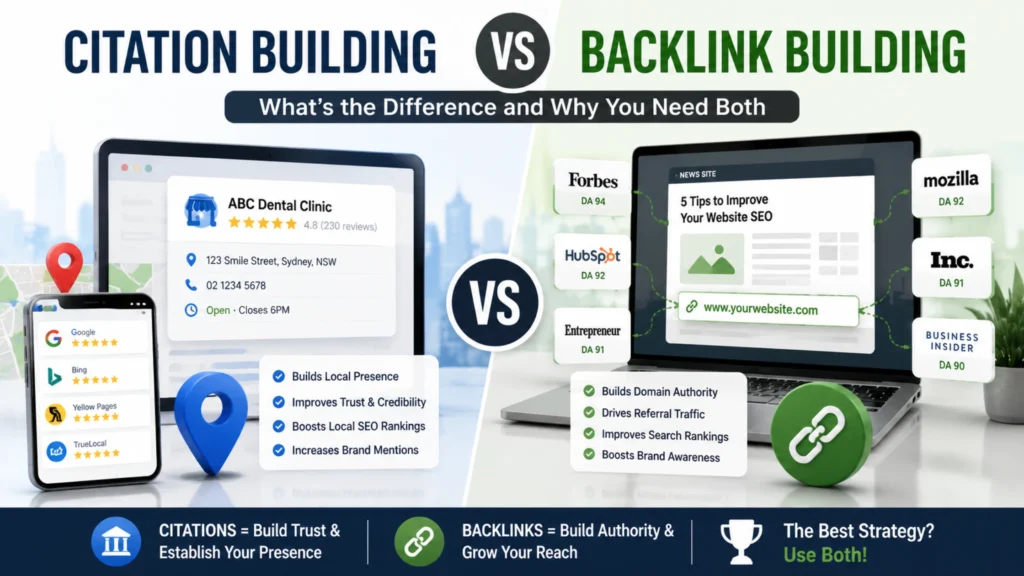
Citation Building vs Backlink Building: What’s the Difference and Why You Need Both
Citation building involves listing your business’s name, address, and phone number (NAP) consistently across online…
CodeFyze
July 29, 2026

#BacklinkStrategy, #CodeFyze, #ContentMarketing, #DigitalPR, #EEAT, #HARO, #JournalistOutreach, #LinkBuilding
HARO/Journalist Outreach: Getting Backlinks from News and Media Sites
HARO link building is the process of earning high-authority backlinks by responding to journalist queries…
CodeFyze
July 29, 2026